The Drawing Apprentice Apprentice
TouchDesigner, Screen, Wacom Tablet
This project was developed as part of the course Computational Creativity.
The idea behind the project is to create a co-creative agent inspired by the Drawing Apprentice from Davis.
The agent should help the artist/designer by suggesting different shapes based on the user's feedbacks developing a
process of co-creativity between the user and the machine.
We have replaced the Reinforcement Learning system in the original Drawing Apprentice with an evolutionary algorithm,
because we saw lots of negative feedbacks on Davis's work regarding the way the system was learning user's feedbacks.
The basic idea is that the user is able to draw using a standard brush. When the brush is released for more then 3 seconds,
the last brush path is recorded. When the user goes with the poiting device above one of the 4 "Gen" button,
a drawing is created based on the user's input, but if the users does not click on the button, the strokes are not permanent.
The input path is transformed in different ways : scale and translate independently on X and Y axes, rotate, and distort,
for a total of 6 parameters. Those 6 parameters will be the genotype of the evolutionary algorithm.
When the user selects one of the "Gen" buttons, the strokes are drawn and the user's choice is recorded in an "evolutionary way".
In the next run the buttons will behave as following:
- Gen1 keeps the same genotype as chosen for the last generation and applies the same transformations to the input.
- Gen2 does a crossover, by randomly choosing parameters from the previous genotype.
- Gen3 behaves like Gen2, but uses a different random seed. Additionally, it adds a mutation, increasing every parameter with 10%.
- Gen4 generates a random set of parameters.
The user would be inspired by looking at what the generators create based on his input,
but still he will have the freedom of choosing to adopt or not what the machine suggests,
creating in this way a process of co-creativity.
The final system resulted from an iterative process of prototyping and user evaluation,
and is implemented totally in TouchDesigner and python.
Using the system with a Wacom Tablet resulted in a consistent improvement of user's feedbacks and usability.
Paper
Github
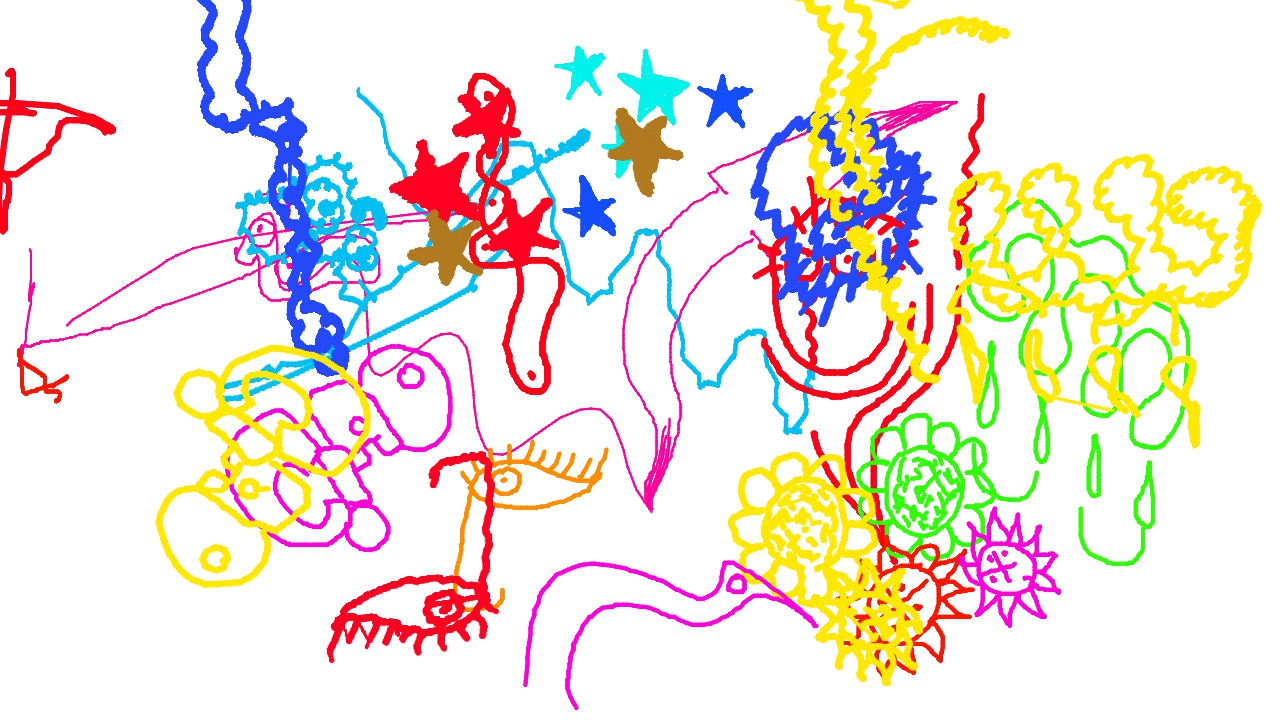
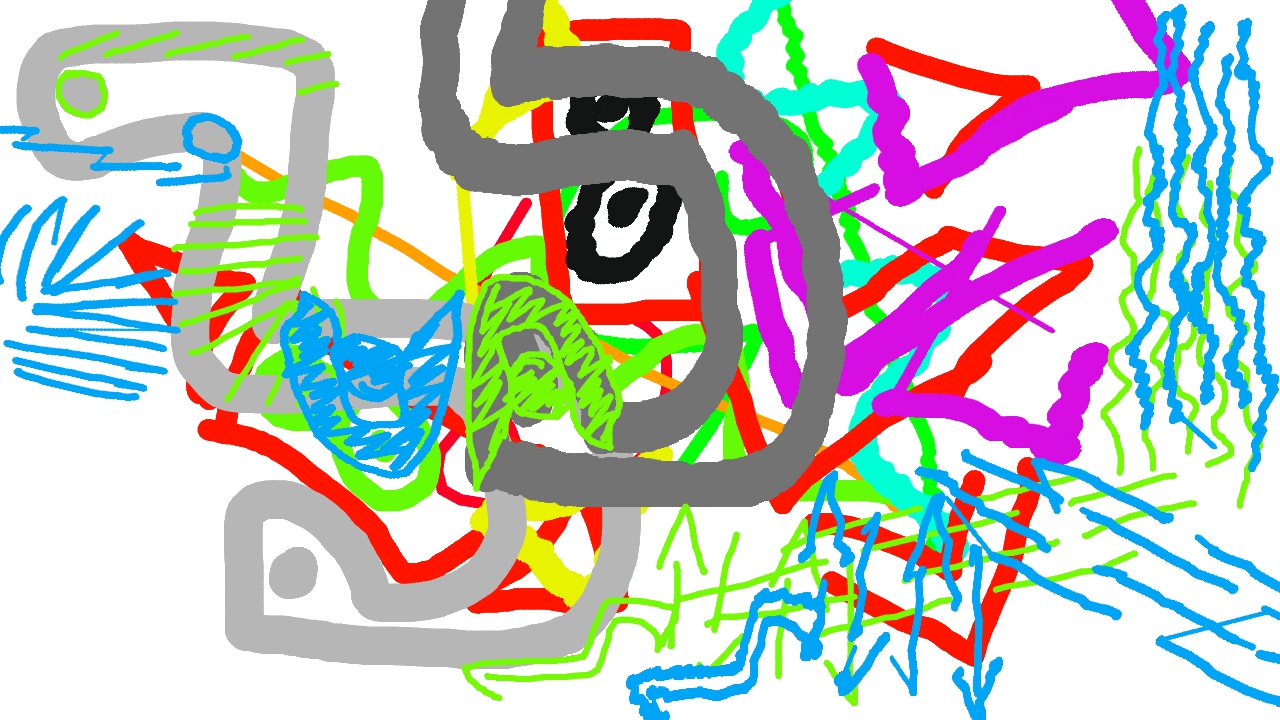
These images are some of the drawings generated by the participants of the user evaluation.



The following video illustrate the User Interface and the basic usage of the tool.
